Lime Electric Scooter: Reviews, Pricing, and Features
 PopScooter Team
February 12, 2026 11:16 am
.
15 min read
PopScooter Team
February 12, 2026 11:16 am
.
15 min read
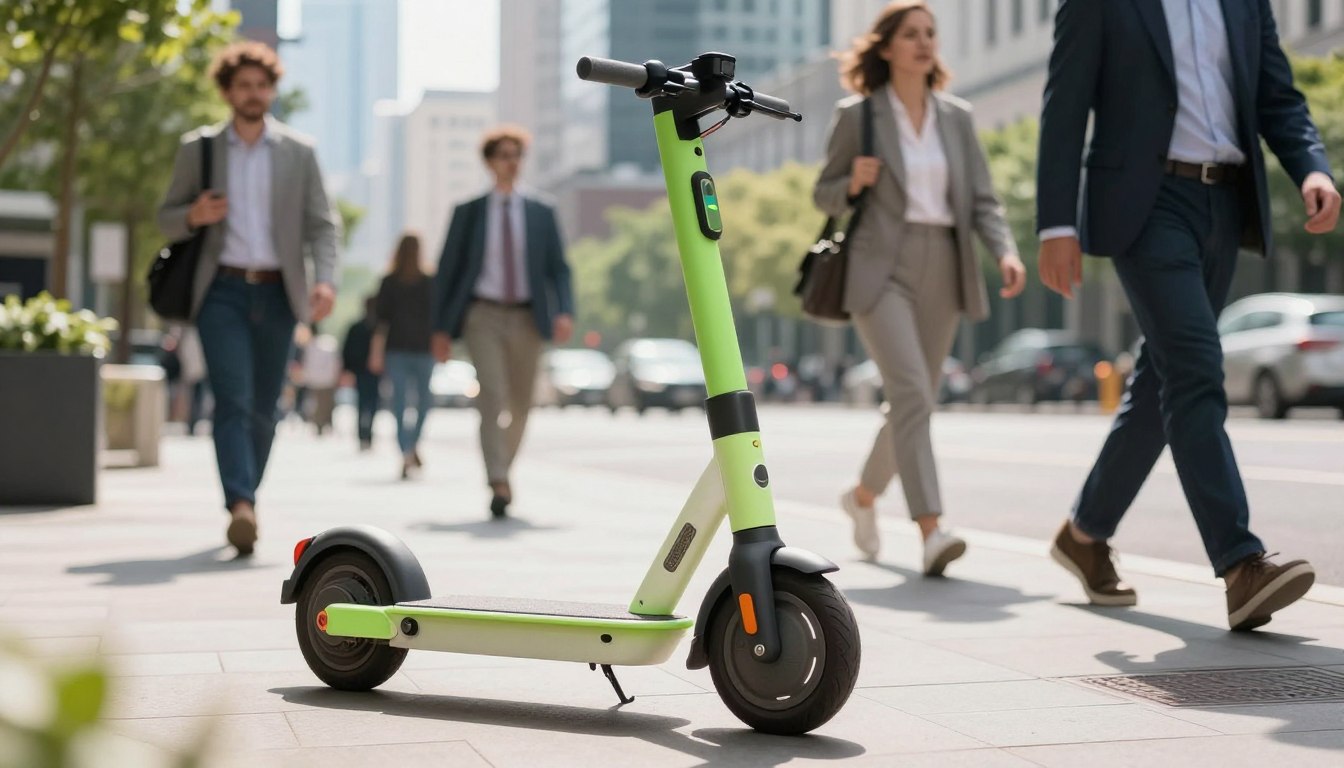
Can a dockless ride really beat a short car trip in time, cost, and ease? This question matters to anyone who hops between meetings, runs errands, or tours a new neighborhood.
Neutron Holdings, Inc., known as Lime, runs a fleet that often includes shared scooters, e-bikes, and mopeds across U.S. cities. Riders find vehicles via a GPS app, unlock them, and go—making these services a common go-to for last-mile trips.
This roundup focuses on real-world use. It will show what people do well on Lime rides and where the experience can fall short. Expect a practical look at pricing, speed, range, comfort, parking rules, and the app experience.
The goal is neutral and helpful: highlight convenience and accessibility while noting common complaints from user reviews. By the end, readers can decide if a lime electric scooter suits commuting, errands, tourism, or occasional rides.
Key Takeaways
- Shared rides offer quick, app-based access for short urban trips.
- Performance varies by model, city rules, and battery range.
- Pricing and parking rules matter most for regular commuters.
- Comfort and speed are fine for short hops but not long commutes.
- Compare app experience and local availability before relying on rentals.
Quick take on Lime scooters for riders in the United States
Many people in U.S. metros turn to app-based rentals to bridge short gaps in their day.
What the company offers today: In more than 200 cities, riders can find dockless scooters, e-bikes, and mopeds via an app. The platform’s design focuses on fast point-to-point trips and simple vehicle access. Availability varies by city and local rules.
Who this works best for: This service suits occasional riders, tourists, and last-mile commuters. It is a handy on-demand option for people who want to avoid ownership and maintenance. Riders should expect short-to-medium trips rather than long hauls or rough-road comfort.
What this roundup covers: The article examines pricing and passes, how the app works, hardware models, ride features, user reviews, safety and rules, and alternatives. It also notes that access and parking rules can change quickly, so always confirm in-app before you ride.
- Fast app-based rentals to replace short car trips where parking is tough.
- Vehicle mix depends on place and local permits.
- Market shaped by multiple companies and a shifting micromobility future.
How Lime scooter rentals work from download to park
Begin by downloading the app and completing a short sign-up. The process usually takes a few minutes the first time: install, verify an email or phone number, add payment, and accept the terms.
The in-app map shows available vehicles by GPS and location. Supply shifts by time and area, so near-empty spots can refill after peak hours. Tap a pin to see battery and distance before you walk to a vehicle.
Unlocking options and when to use them
- Scan the QR code — fastest in daylight with an intact sticker.
- Enter the plate number — good if the code is damaged or dirty.
- Tap in-app — works when camera access is blocked or scanning fails.
Ending a ride and parking rules
Park in a designated area, end the ride in the app, and submit a photo if prompted. Avoid marked red zones: they are no-park areas that can trigger extra fees or require moving the vehicle.
Troubleshooting and local rules
- If a scan fails, try plate entry or restart the app.
- If charged for an unlock without a ride, contact support with a screenshot.
- Check the app before relying on service — some cities have received cease-and orders or other permit changes.
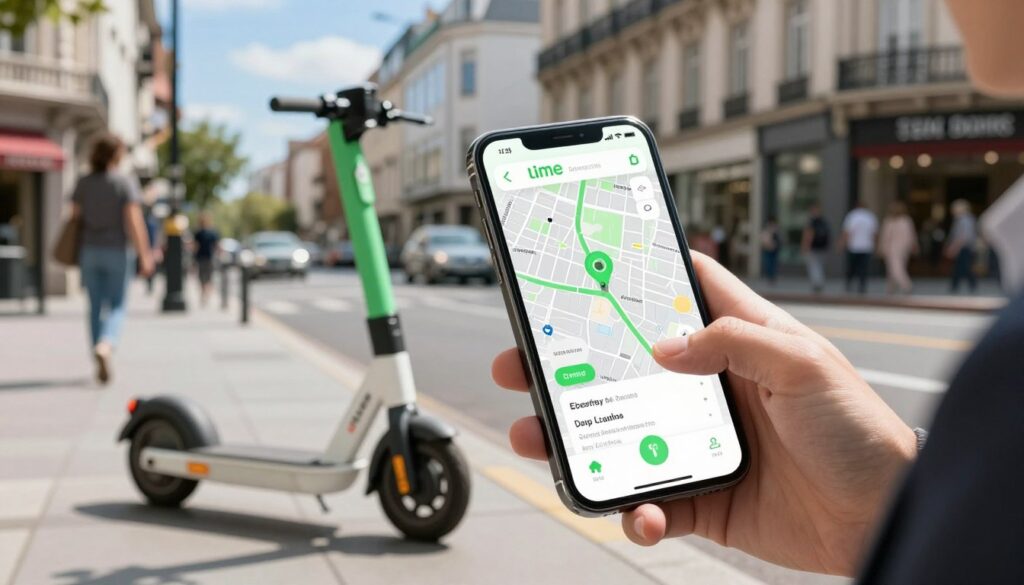
lime electric scooter models riders may encounter
Riders should expect variety rather than a single model when they open the app.
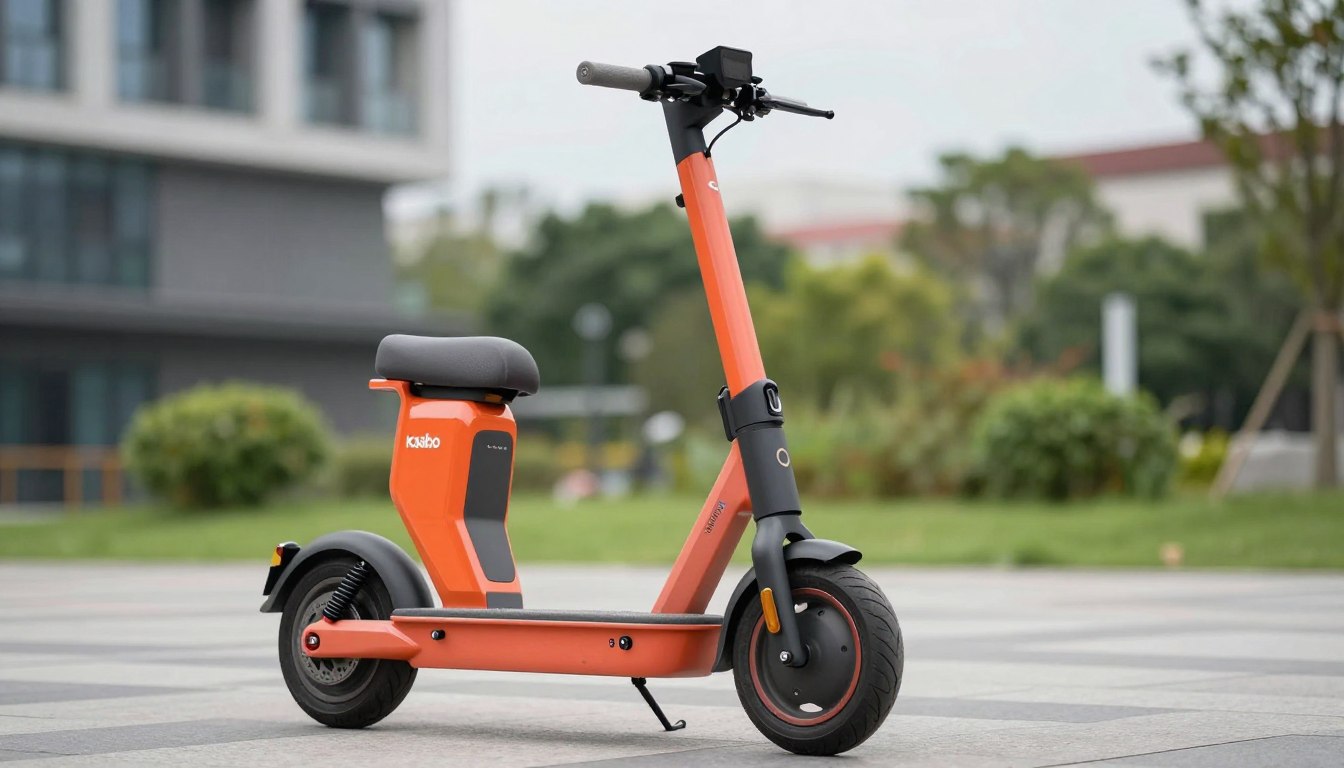
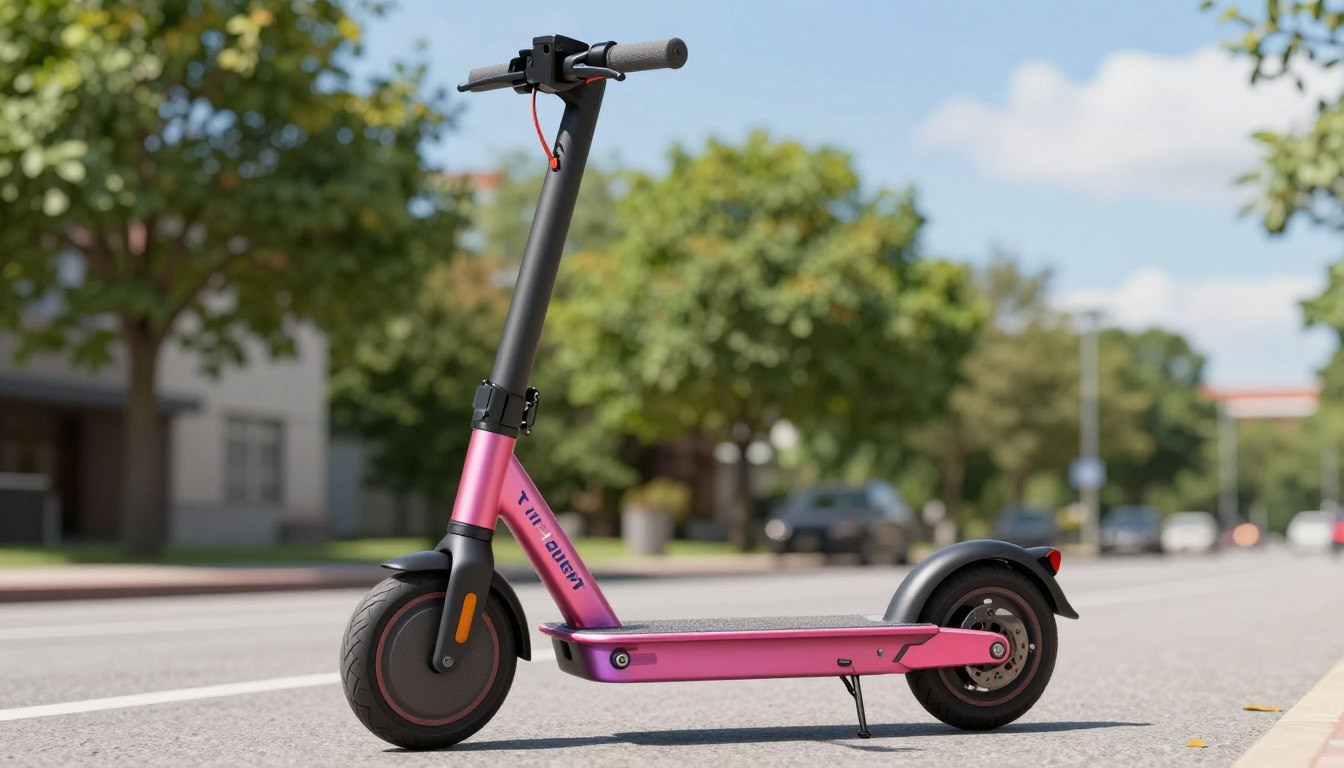
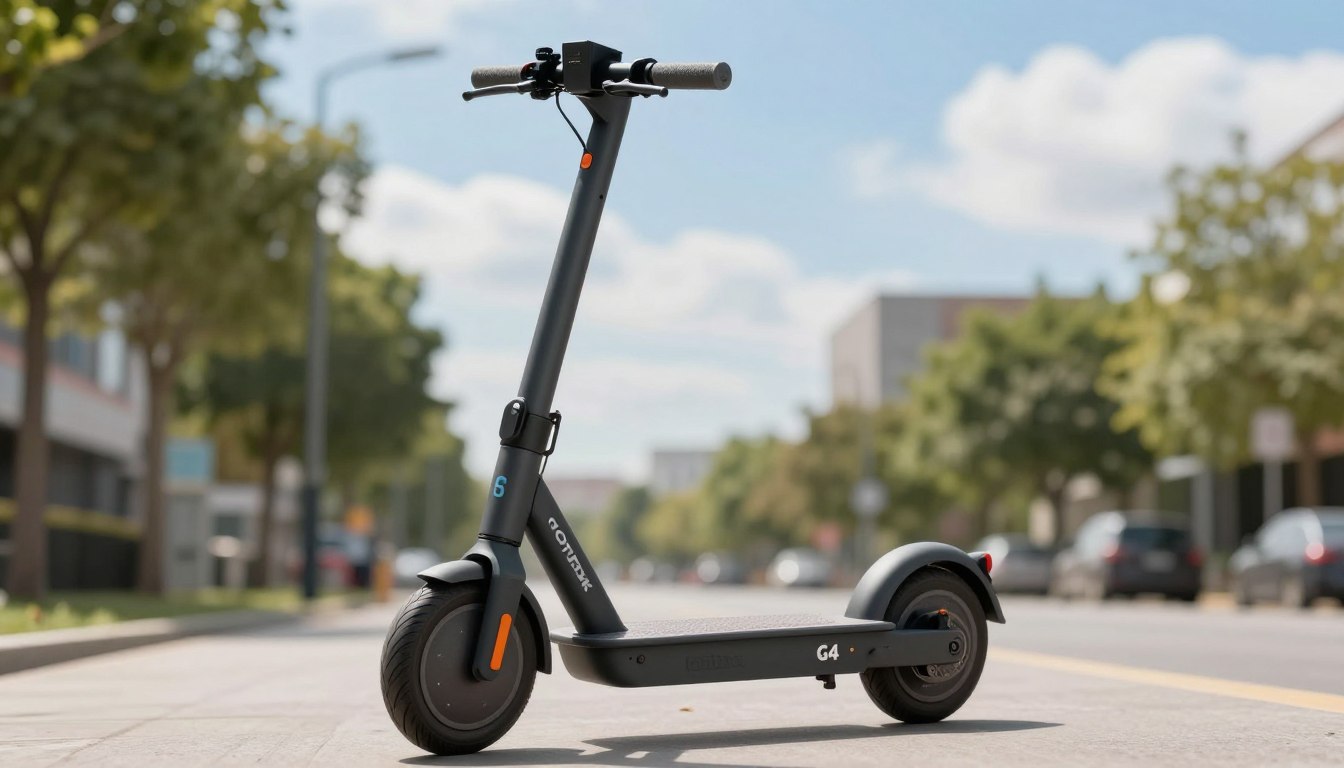
Common scooter models include third-party builds and several in-house designs. The most frequent examples are the Lime-S Ninebot ES4 by Segway and the company’s own Generation 2, Generation 3, Generation 4, and 4.1 models.
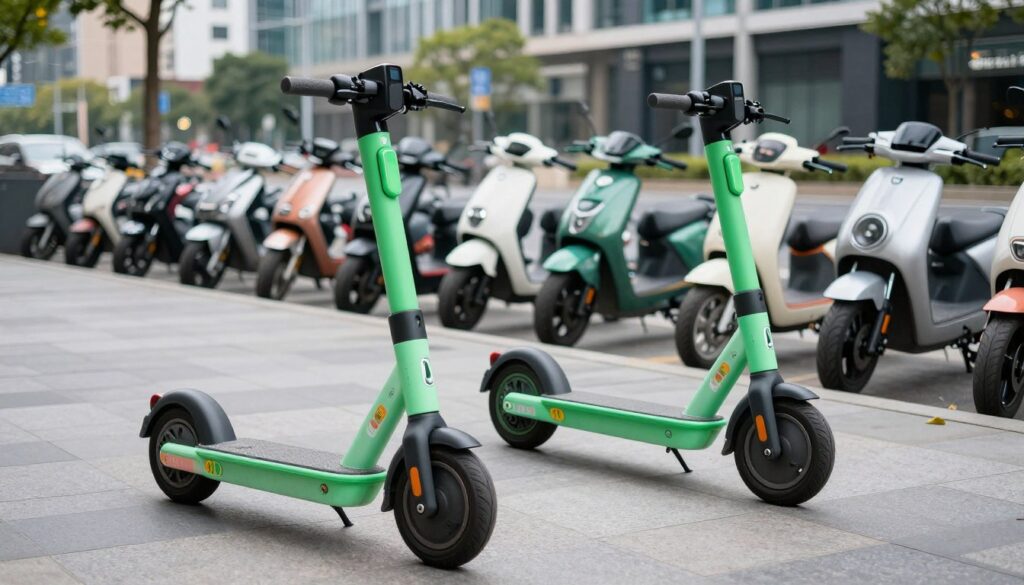
Lime-S Ninebot ES4 and the external battery pack
The Ninebot ES4 often stands out because it has an extra battery mounted on the stem. That external battery can make the front feel top-heavy for riders who are new to shared rides.
Why “Generation” models matter
Generations are Lime-designed hardware iterations. Newer models aim for stronger frames, better vandal resistance, and simpler field repairs.
What changes by city
The fleet mix, speed caps, and availability vary by jurisdiction. Riders pick what is nearby, not the exact model, so “model roulette” is part of the rental option.
- Try a few if comfort, braking, or balance matters for daily commutes.
- Remember the company began in San Francisco in January 2017, and fleets evolved over the years.
- Local rules or permits can change the number and types of vehicles in a given city.
Features that matter on a Lime ride
What matters on a rental ride is how fast it goes, how far it lasts, and how the pavement feels. These three factors shape whether a trip is smooth, slow, or rough.
Top speed expectations and local caps
Most models reach about 15 mph in ideal conditions. However, many cities geofence vehicles to ~12 mph in busy zones or near parks.
That means a ride can feel slower depending on your location and nearby rules.
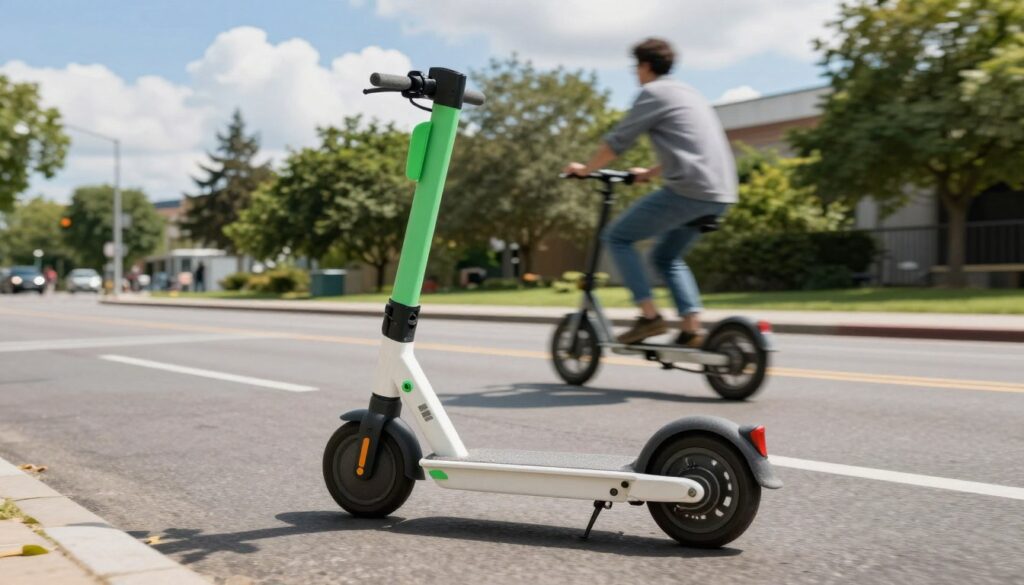
Range reality: what cuts miles per charge
Advertised range is often 12–25 miles. In practice, weight, hills, wind, cold, and battery age reduce that number.
Heavier riders or steep routes may see the lower end of the range. Battery wear over time also makes one ride shorter than the next.
Tires and suspension: comfort versus durability
Shared models commonly use solid tires and basic suspension. Solid tires cut flats and maintenance costs but feel firmer on cracked pavement.
Suspension softens impacts but does not match a premium commuter build. Choose smoother bike lanes for comfort.
- Top speed: expect up to 15 mph, often capped lower by rules.
- Range: plan for 12–25 miles; many factors lower real use.
- Comfort: solid tires = durable; suspension = modest smoothing.
Decision note: For commuters, prioritize stability, braking confidence, and predictable speed. For tourists or short hops, look for easy access and simple fun.
Lime scooter pricing, passes, and what a ride can really cost
Understanding how fares work lets a rider predict monthly transit spend. Rates vary by city, so the app shows exact local numbers before unlock.
Typical fare structure
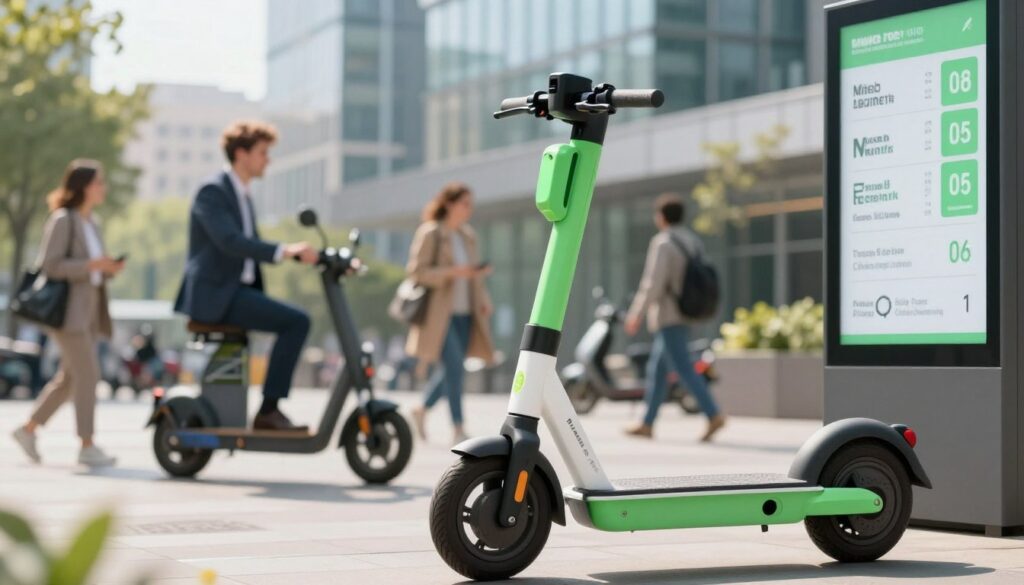
Most U.S. trips use a small unlock fee (about $1) plus a per-minute charge. Per-minute rates commonly range from $0.15 to $0.30, and those details appear in the app for each vehicle.
Cost examples
- Short hop (5 minutes): unlock + 5×$0.15 ≈ $1.75 — or up to ~$2.50 at higher per-minute rates.
- 20-minute ride: $3.00–$6.00 plus unlock, so roughly $4.00–$7.00 total depending on city.
Commute math and passes
If a rider takes two 20-minute trips five days a week, that adds up to about $80–$140 per month. Annual cost can exceed $1,000 for daily use.
Some users buy passes or credits. Passes can lower per-minute cost, but long trips or extra unlocks still raise the bill.
Payment, holds, and common issues
The app accepts cards and Apple Pay. Payment method switches and failed charges are common user complaints; check the default method before you ride.
Pre-authorization holds may appear at the start of a trip and can take up to 10 days to refund, depending on the bank. To avoid surprises: check rates, end the ride promptly, and watch for double charges after scan errors.
Lime reviews: what users like and what they complain about
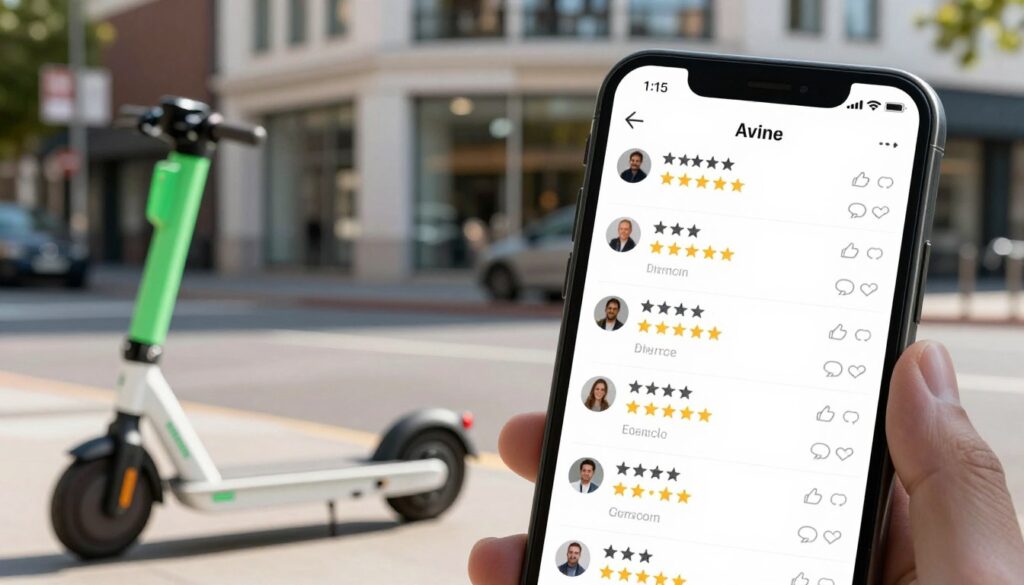
Rider feedback paints a clear picture of convenience mixed with a few recurring frustrations. Many people praise the fast access and simple startup that make short trips easier than a car.
The most common positives mention quick, point-to-point travel and predictable access for errands or short commutes. These comments highlight how the service replaces a drive when parking or traffic steals time.
What users praise
- Speed of access — most people like quick unlocks and immediate access to a nearby vehicle.
- Point-to-point convenience — riders say short trips save time and beat hunting for parking.
- Easy start — simple steps let users begin a trip fast and feel ready for the city.
What people complain about
- App issues — random logouts, QR scan failures, and repeated unlock attempts frustrate riders.
- Payment problems — unexpected Apple Pay defaults, failed charges, and worries about double fees.
- Parking friction — arriving at a place but needing to find a park designated spot, then walking back.
To reduce surprises, users should test the app before time‑sensitive trips, screenshot receipts, and confirm the ride ended. For comparisons and alternatives, see an in-depth Bird Flex review that some riders consult when weighing options.
Where Lime operates and how to check access in a city
City coverage changes fast, so checking real-time maps prevents a last-minute surprise at your destination.
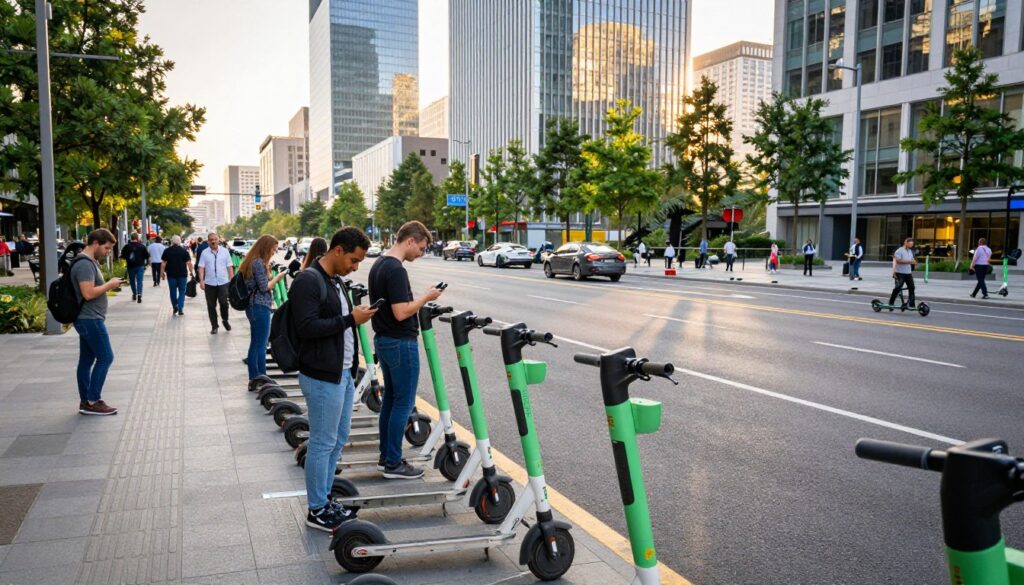
Company footprint: The firm started in San Francisco in January 2017 and now serves 200+ cities across nearly 30 countries. Coverage is wide but uneven; availability depends on local permits and program rules.
Why vehicles can disappear
Fleets shift when permits expire, pilot programs pause, or enforcement tightens. Some places have even received cease-and orders that remove service quickly.
What to verify before a trip
- Open the app and confirm live availability at your pickup and drop-off location.
- Check service boundaries and no-ride or no-park zones so you don’t end a ride outside the area.
- Note geofencing: it can slow vehicles or block ride endings near sensitive places.
For visitors and commuters alike, the simplest rule is this: confirm the map before you walk to a vehicle. That small step cuts friction and keeps short trips predictable.
Safety, rules of the road, and responsible riding
A few simple habits cut crash risk and make shared rides smoother for everyone. Riders should treat each trip as part of the road network and make choices that keep themselves and others safe.
Bike lanes vs sidewalks
Bike lanes or sidewalks: where to ride
Use bike lanes when they are available and legal. Bike lanes give riders space and predictability next to traffic.
Avoid sidewalks where local rules ban riding. Sidewalk riding can surprise pedestrians and increase collision risk.

Helmet, visibility, and one person per device
Wear a helmet and use lights at night to stay visible. Bright clothing and a front light help motorists see riders sooner.
Only one person should ride a shared scooter at a time. Extra weight reduces stability and lengthens stopping distance.
Known safety events and why checks matter
There have been past recalls and updates, including battery concerns in October 2018 and baseboard break reports in November 2018. In February 2019, a firmware update addressed reports of wheel lock-up at speed.
These events show why riders should inspect a vehicle before they go and avoid devices that feel damaged.
Quick pre-ride checklist
- Test brakes and throttle response for a short roll.
- Look for loose stems, rattles, or visible damage.
- Scan the tires and steering for odd resistance or wobble.
Parking etiquette
Park so sidewalks and access ramps stay clear. Follow any designated parking zones in the app and avoid blocking doorways or curb cuts.
Rules vary by city and can change in days or weeks—riders should follow local guidance and the app’s instructions each time they ride.
Alternatives to Lime and when owning an electric scooter makes more sense
Frequent riders should run simple math to see if monthly rental bills justify buying a personal ride.
Comparing micromobility companies
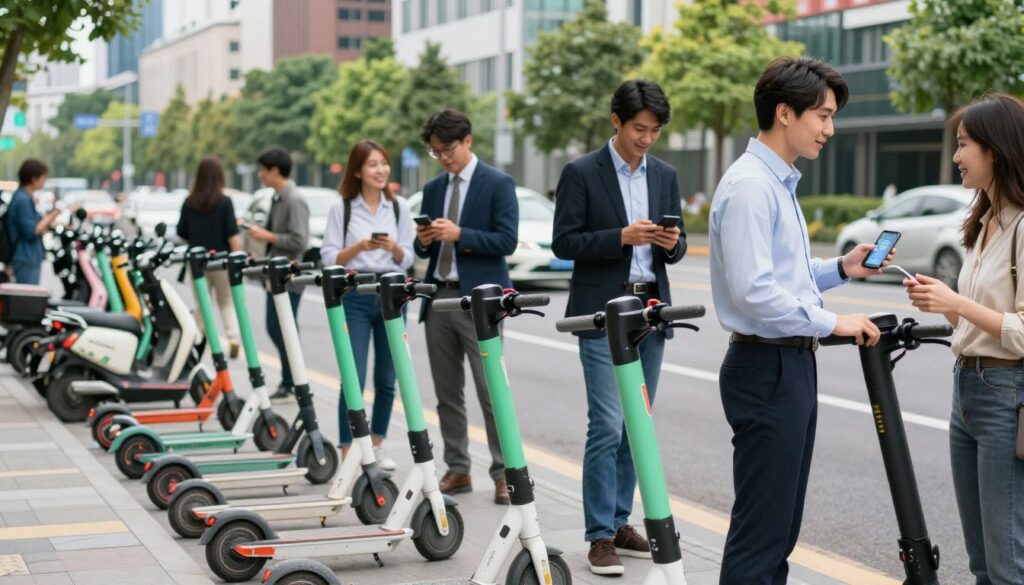
At a practical level, companies such as Bird, Voi, Tier, Bolt, and others offer similar coverage models. Availability and app reliability often decide which brand feels best in a neighborhood.
Most use the same unlock + per-minute pricing model, so predictability and parking rules matter more than tiny fare differences.
Renting vs buying: break-even thinking
A simple example helps. If weekday rides cost about $80–$120 a month, annual spend can top $1,000. A solid commuter device can pay for itself in less than a year for steady riders.
Ownership means an upfront cost and maintenance, but it delivers consistent performance, no per-minute meter, and better ride quality.
When a bike can be the better choice
In cities with good bike lanes, an e-bike or shared bike often beats small-wheel devices for hills, distance, and comfort.
For a deeper look at when to rent vs buy, see this guide on rentals vs ownership.
Picking the right Lime option for the next ride
Choose the right ride by matching trip length, hills, and comfort needs to the vehicle you see in the app.
Quick checklist: For short, flat hops pick a shared scooter; for longer trips or hills choose an e-bike or moped when available. Confirm per-minute rates, service area boundaries, and a safe parking spot before you unlock.
Reduce app issues by keeping the app updated, enabling location, and avoiding low phone battery. To avoid cost surprises, end the ride fully, check the receipt, avoid red zones, and watch for pre-authorization holds on payment.
For commuters, prioritize predictability and monthly spend. Weekend explorers should favor convenience and short hops. Visitors must check city rules and designated parking.
Takeaway: The Lime service is great for on-demand short trips when coverage and rules are clear; frequent users should track costs and weigh ownership if totals rise.
FAQ
What does the H1 cover about Lime Electric Scooter?
The H1 gives an overview of reviews, pricing, and features for rides offered by the company. It summarizes user feedback, what riders can expect to pay, and the key hardware and app features to consider before downloading and using the service.
What is the quick take for riders in the United States?
The quick take explains that the company operates dock-free vehicles in many U.S. cities, offering a convenient point-to-point option for short trips. It highlights who benefits most from the service and outlines the scope of the roundup: reviews, pricing, features, and tradeoffs in real-world use.
How does the rental process work from download to park?
Riders download the app, create an account, and agree to terms. They find a nearby vehicle via the in-app map and GPS, unlock by scanning a QR code or entering a plate number, then follow local parking rules to end the ride—often including taking a photo and avoiding red or restricted zones.
Which models might riders encounter?
Typical models include older third-party designs like the Ninebot ES4 with an external battery pack and newer in-house models built for durability. The exact hardware mix varies by city, affecting range, top speed, and availability.
What features matter most on a ride?
Top speed expectations, real-world range (influenced by rider weight, hills, and battery wear), and ride comfort from tires and suspension are the key considerations for choosing a suitable option.
How is pricing structured and what can a ride really cost?
Fares usually include an unlock fee plus a per-minute rate that varies by city. Riders should compare short-trip examples and 20-minute rides, track monthly costs for frequent trips, and know that the app accepts cards, Apple Pay, and similar methods. Pre-authorization holds and refund timing—often up to 10 days—are common payment issues.
What do user reviews typically praise or complain about?
Users often praise convenience and quick access for short trips. Common complaints focus on app reliability—logouts, failed scans, and occasional double charges—and frustrations with parking rules or being required to walk the device back to a designated zone.
Where does the company operate and how can riders check availability?
The firm started in San Francisco and now runs in hundreds of cities. Availability can change due to permits, pilot programs, and local enforcement. Riders should verify service area boundaries and no-ride zones in the app before starting a trip.
What are the key safety rules riders should follow?
Riders are expected to use bike lanes where provided and avoid sidewalks in most places. Helmet use, visibility at night, and riding one person per vehicle are standard guidance. The company has issued updates and recalls in the past—such as wheel-lock fixes—and riders should watch safety notices.
What are common parking etiquette tips?
Park in designated areas when required, keep walkways and access ramps clear, and follow any local signage. Taking a photo at the end of a ride helps document a compliant parking spot if disputes arise.
How does this service compare to other micromobility options?
Comparisons focus on pricing, fleet variety, and app reliability. For frequent riders, buying a personal vehicle can be cheaper over time. In some commutes, a pedal-assist bike offers greater range and comfort than short-range options.
When should a rider choose a rental versus buying their own device?
Renting fits occasional or one-way trips. Owning typically makes sense for daily commuters who can recoup the purchase cost within months and prefer consistent performance and storage at home.
What should riders verify before taking a trip?
Check the app for service area limits, no-ride or low-speed zones, the local hardware mix, and any active safety notices. Confirm payment method details to avoid unexpected holds or delays during checkout.
Are there known equipment or software updates riders should know about?
Yes — manufacturers and the company periodically issue firmware or hardware updates, and occasional recalls or safety advisories have occurred. Riders should install app updates, read in-app alerts, and avoid vehicles flagged as out of service.
How do speed limits and city rules affect a ride?
Cities can cap top speed via geofencing and impose rules on where devices may operate. Riders may notice reduced speeds in downtown areas, parks, or near schools to comply with local regulations and improve safety.
What payment issues commonly affect users?
Common problems include failed card authorizations, pre-authorization holds that temporarily reduce available balance, and occasional delays in refunds. Using a primary card or digital wallet and checking transaction history in the app helps resolve most issues.